
Communication Management Software That Keeps Every Team Connected
Deliver the right information to the right people at the right time across every location. Centralize operational communication, automate alerts, and ensure critical updates reach the teams who can act on them. Right message, right shift, right moment across every location, without a manager relaying it by phone.
- Role-based routing.
- POS & stock alerts.
- 60-second escalation.

Core Problems Our Communication Management Solution Caters to
Broken internal communication can lead to missed prep, outdated menus, inconsistent promotions, delayed responses, and critical updates reaching staff too late. Our communication management software centralizes operational communication, routing messages by role, station, and location while automatically triggering alerts for events such as low stock, voids, long ticket times, or delivery delays. With automated escalation and a complete audit trail, teams stay informed, accountable, and aligned across every shift and location.
Communication management software brings operational communication into one centralized platform, ensuring every update reaches the right person, location, and shift. Automated alerts respond to real-time events, while role-based routing keeps messages relevant and escalation workflows ensure critical issues are acknowledged promptly. With every message, task, and confirmation recorded in one place, teams can communicate consistently, respond faster, and maintain accountability across locations.
Sound familiar? See what one shift looks like on a single line.
Bring one location to a 20-minute demo and we'll map the exact routing for your open, peak and close — who gets alerted, who escalates, and what closes the loop.
How Communication Platform Works?
Learn More
Connects
Our communication solution links your POS, inventory, scheduling and online ordering, so the platform knows who is on shift, what's selling and what's running out.
Learn More
Defines
Build groups by role, station, location and region once kitchen leads, closing shift, Dallas stores, regional managers instead of rebuilding a text thread every week.
Learn More
Sends
Announcements go by app push, SMS or station display depending on the role, with urgent items marked so they break through the routine traffic.
Learn More
Escalates
Every critical message carries an acknowledgement window. Nothing answered in time moves automatically to the manager on duty, then above.
Learn More
Confirms
Tasks close with a tap or a photo, and every message is tagged by theme so you can see which stores respond fastest and where instructions keep going unread.
Communication Features Integrated for Busy Operators
Targeted messaging
Announcements that reach only the right shift. Every message routes by role, station, location and clock in status no company wide blast, no one scrolling for the part that applies to them.
01
02
Automated alerts
Operational events that page themselves. Low stock, voids, refunds, long ticket times and delivery delays fire from live POS data no one has to be watching a dashboard to catch them.
03
Escalation rules
Silence that moves up the chain. Critical messages carry an acknowledgement window and reassign to the manager on duty automatically so an unread alert never sits until close.
Tasks and checklists
Open, peak and close, confirmed. Recurring duties arrive at the right hour and close with a tap or a photo so completion is recorded rather than assumed the next morning.
04
05
Store to HQ line
One channel between the floor and the office. Locations report issues, request stock and escalate upward in a structured thread filtered by store, region, date or topic.
06
Analytics
Response times and location scorecards. Track acknowledgement speed by store, shift and role and see which stores read, act and close consistently, and which need attention.
Check your stack. Already running a POS and a scheduling tool?
Then you're most of the way set up. Tell us what you use and we'll confirm what connects natively before you commit to anything.
What changes once the message reaches the shift
Learn More
Fewer misses on the floor
Prep, 86'd items and promo changes reach the station that has to act on them — so the gap between the decision and the execution closes to minutes.
Learn More
Managers stop being the relay
Updates route themselves to the right groups — which gives back the part of every shift spent repeating the same message person by person.
Learn More
Accountability you can see
Read receipts and task confirmations turn "I never got that" into a timestamp — so coaching is based on record rather than recollection.
Learn More
Problems surface while they're small
Automated alerts and timed escalation catch the low par or the long ticket during service — not in the next morning's variance report.
Learn More
Consistency across locations
Every store gets the same instructions, the same timing and the same escalation path — so execution doesn't depend on how strong a given manager is.
Learn More
One auditable record
Announcements, tasks and escalations live in a searchable log — feeding compliance, incident review and store-level performance conversations.
Why choose our communication management platform
Standalone chat tools sit outside your operation and treat every employee the same. Ours is wired into the shift itself.
Triggered by the POS
Our best communication software connects your POS, inventory and online ordering, so alerts fire off real events instead of a manager spotting a number.
01
02
Shift-Aware delivery
The platform knows who is clocked in and where, so off-shift staff aren't pinged at midnight and on-shift staff get what they need.
03
Built for Multi-Location Operators
Message one store, a region or the whole group, then drill into a single location, discover shift or role without switching logins.
Part of One Platform
Internal communication shares the same store, shift and customer data as loyalty, promotions and reviews — so a promo launch and the message announcing it travel together.
04
05
Supports Opt-In Messaging
Consent capture, opt-out handling and quiet hours are built in, so staff messaging stays on the right side of SMS rules and labor expectations.
06
Operators
Serving restaurants, retailers, wineries, and DTC brands worldwide since 2012, with dedicated onboarding and industry-focused solutions built for scalable growth.
60s
Escalation on critical alerts
1
Line to every shift · Role-based routing across all locations
24/7
Automated monitoring
Free communication audit
Find out where your messages are dying. We'll map how updates travel from HQ to the floor today, where they stall, and what's being missed — no obligation.
Frequently Asked Questions(FAQs)
What is communication management software, exactly?
It's a system that handles the full loop around internal messaging: getting the right update to the right people, alerting you when something operational goes wrong, confirming that it was seen and acted on, and reporting on how each location responds. mKonnekt adds the operational layer — alerts trigger off real POS and inventory activity rather than someone deciding to send a message.
Which channels do you send on?
App push, SMS and station or back-office displays, with the channel set per role. Kitchen staff can get station displays while managers get push and SMS, and urgent items can be marked to break through quiet hours where policy allows.
Will staff be messaged outside their shift?
Only if you configure it that way. Delivery is shift-aware by default, quiet hours are built in, and off-shift messages queue for the next clock-in unless flagged urgent — which keeps staff communication inside working time.
Will this work with our POS?
KonnektIQ integrates with the major retail and restaurant POS systems along with inventory, scheduling, online ordering and loyalty platforms. Bring your current stack to the demo and we'll confirm what connects natively and what needs a bridge before you commit.
We run multiple locations. Can each store see only its own messages?
Yes, Permissions are role-based: store teams see their own location, regional leaders see their group, and ownership sees the roll-up with location-by-location response comparisons.
How long does setup take?
Most operators are live within days once POS access and staff rosters are loaded. Because alerts fire on real transactions, the first ones go out on the first day of service after launch.
Which businesses is this built for?
Restaurants and multi-unit food brands, convenience and speciality retail, wineries and tasting rooms, and DTC brands with a physical footprint anywhere a shift runs, a store depends on HQ, and a missed message costs a sale.
Connected Tools for Smarter Management

Grow the list automatically. Use real-time transaction history to segment your audience and deploy targeted email and SMS campaigns that keep your storefront top-of-mind.

Turn regulars into advocates. Reward repeat visits and connect points, perks and tiers to the same customer profile your campaigns run on.

Offers that protect margin. Schedule limited-time offers, BOGO deals or custom bundles that update across all active checkout lanes concurrently.

Ask at the moment; they're still smiling. Trigger review requests off real transactions, route unhappy guests to a private form, and reply with AI drafts in your voice.

Put every shift on the same line.
Stop relaying updates by phone and hoping the closing crew saw the group text. Route every message by role, location and shift and know it landed before service ends, not after.
BLOG
Resources to Help Your Business Thrive
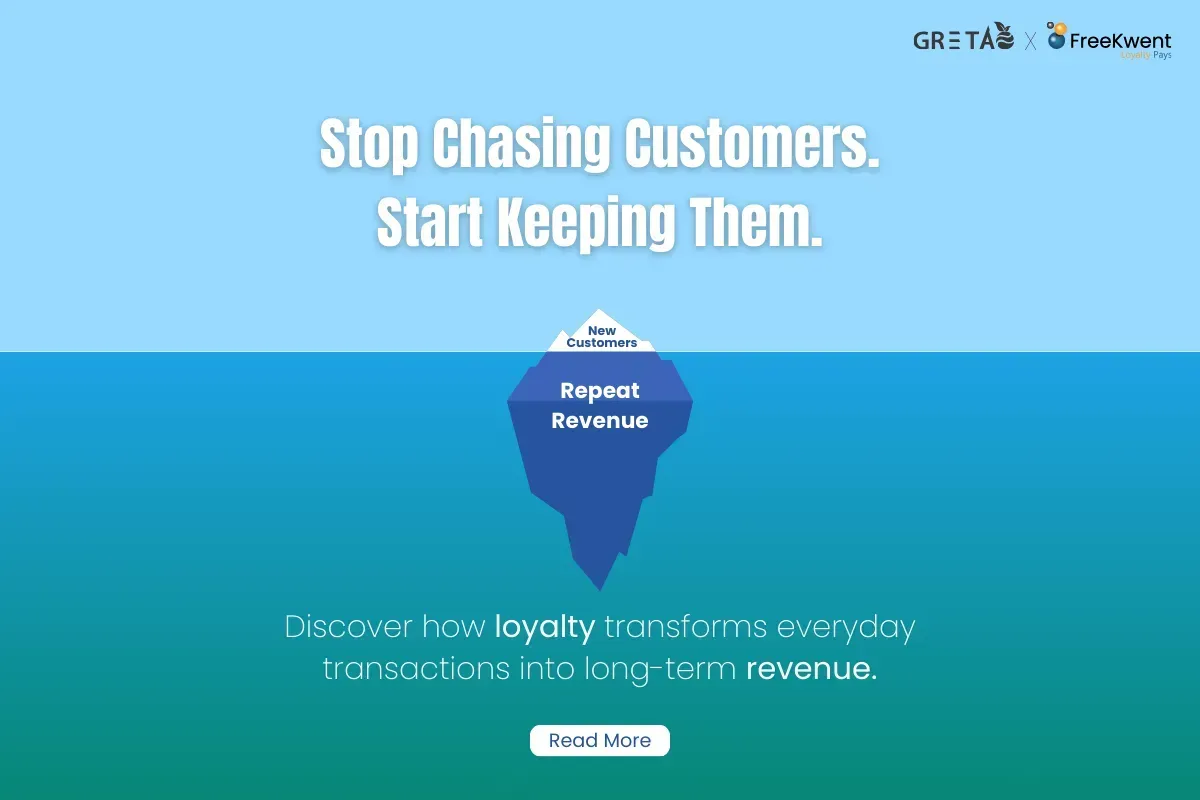
Dine-in Discoveries: 8 Effective Offline Marketing Ideas for Your Restaurant
Have you ever imagined a world without the internet? We live in an entirely digital world where online marketing channels

Social media ROI- How to measure your social media ROI?
What is Social Media ROI? With social media getting used as a great device in enterprises to grow, it's been more and more vital to track the effects of your

7 Strategies To Boost Your Restaurants Sales With Data-Driven Marketing
Data is no longer an option; it is a requirement. Data is used in almost every industry, and the restaurant industry is no exception.

Local Marketing for Restaurants
What is Local Marketing? Restaurants are hyper-local in nature; a large section of our customer base is local.
FREQUENTLY ASKED QUESTIONS
Lorem ipsum dolor sit amet consectetur
adipiscing elit.
Question would go here
Describe the item or answer the question so that site visitors who are interested get more information. You can emphasize this text with bullets, italics or bold, and add links.Question would go here
Describe the item or answer the question so that site visitors who are interested get more information. You can emphasize this text with bullets, italics or bold, and add links.Question would go here
Describe the item or answer the question so that site visitors who are interested get more information. You can emphasize this text with bullets, italics or bold, and add links.Question would go here
Describe the item or answer the question so that site visitors who are interested get more information. You can emphasize this text with bullets, italics or bold, and add links.